
Sub-Total: RM0.00


Kaadas Smart Lock App Guide: Control Your Digital Lock from Anywhere in Malaysia
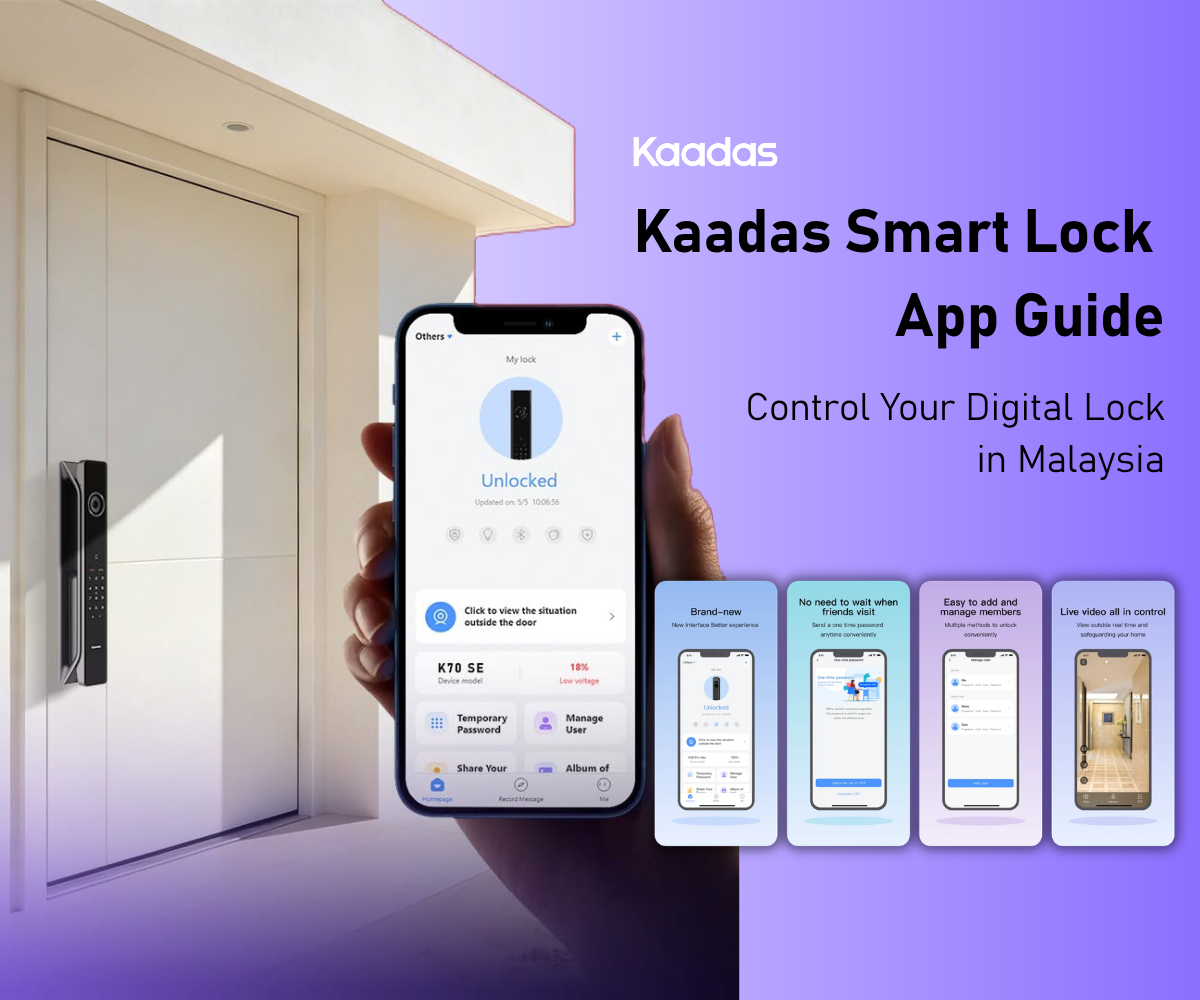
The app that comes with a Kaadas digital lock with WiFi is where you get the most out of your investment. It is not complicated. Within minutes of installation, you can lock and unlock your door from anywhere, set up access codes for family members and helpers, and see exactly who entered and when. Here is how it all works.
How the Kaadas Smart App Works
Getting Started: Pairing the Lock with the App
Download the Kaadas Smart app from the App Store or Google Play and create an account using your email. When prompted, add a new device by scanning the QR code on the back of your lock or entering the lock’s serial number. The lock pairs over your home WiFi. Keep it within range of the router during initial setup, ideally within about 10 metres.
Once paired, the lock appears in your app’s device list. If you have multiple locks, a main door and a gate, for example, each is added separately and appears as its own device. You can switch between them from the same home screen.
Remote Unlocking
Remote unlock is available on the K70SE, P30 Pro Max, and Q9. On these models, you can unlock via the steps below:
- Open the Kaadas app and tap Live View to check who’s at your door before unlocking.
- Tap “Unlock” in the app.
- Enter your administrator password to verify your identity for an additional layer of security.
- Your visitor presses the “#” key on the door lock when prompted.
- The door unlocks only after both your approval and the visitor’s confirmation.
The remote unlock is most useful when a visitor arrives while you are not home, when you need to confirm the door is locked after a rushed departure, or when you want to let in a delivery person while monitoring via the camera feed (on video door lock models). Every remote action is logged with a timestamp in the activity feed.
Managing User Access
From the user management section, you can add or remove users, assign each person a specific access type (fingerprint, face recognition, PIN, or card), and set time-based access windows. A helper’s PIN, for example, can be restricted to working days between 8 am and 7 pm. When someone’s access period ends or employment changes, their access is revoked immediately, with no lock cylinder change required.
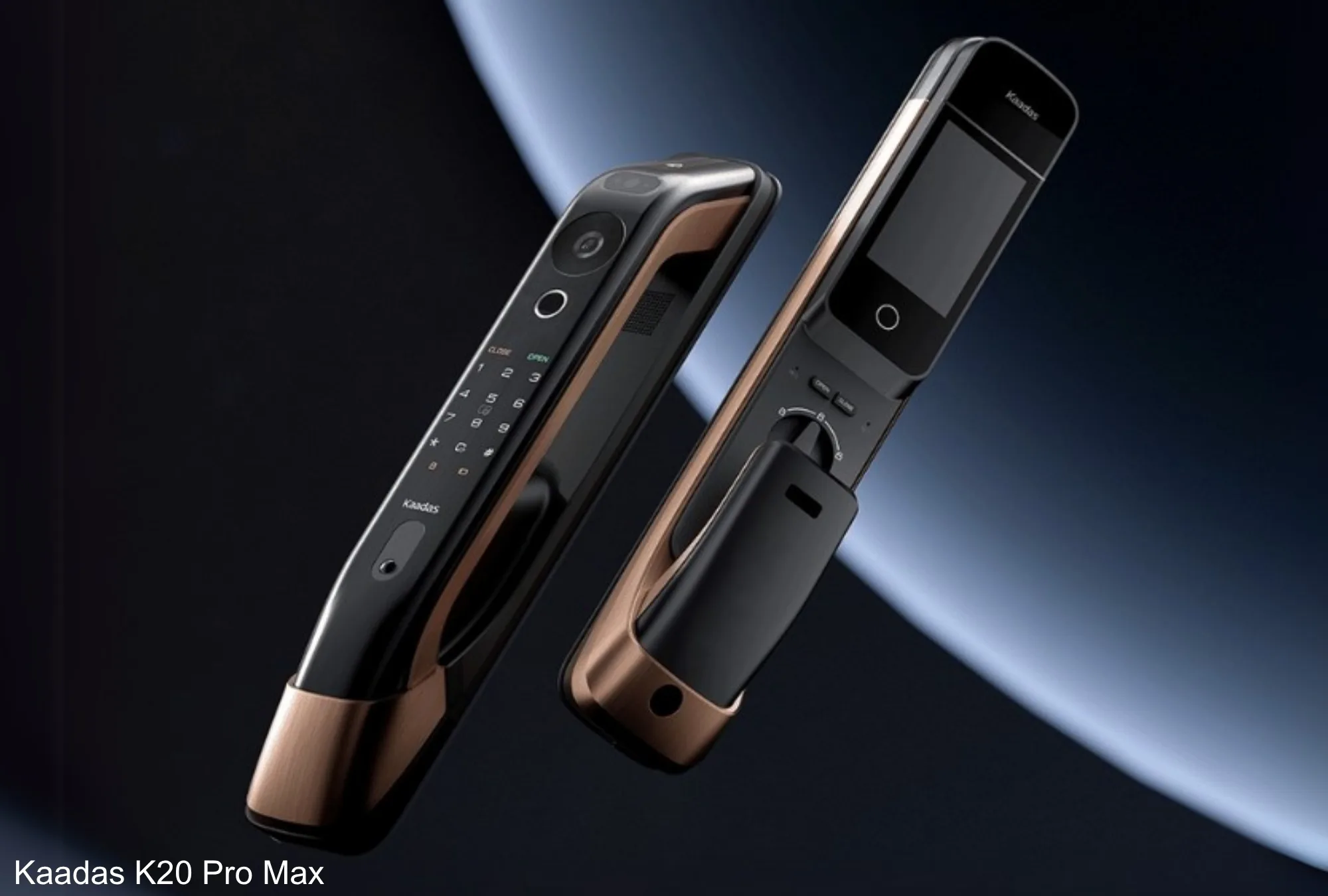
The K20 Pro Max supports one-time, recurring, and duration-based temporary PINs, so you can issue a single-use code, a code on a repeating schedule, or one limited to a fixed time window. The Q9 also supports temporary PINs for guests and service providers.
Use clear labels for each user profile. The access log is only useful if you can read it quickly: “Cleaner Mon-Fri” is more informative than “User 3”. For a full breakdown of the different access methods available, access modes explained covers each option.
Real-Time Alerts and Access Logs
Every door opening, whether by fingerprint, face scan, PIN, app, or physical key, creates a log entry with the method used, the user profile, and the exact time. The activity feed in the app displays this history chronologically.
Push notifications are sent when the door is opened or unlocked, the battery is running low, an incorrect PIN is entered several times, or the anti-tamper alarm is triggered. For parents, the access log confirms children arrived home from school at the expected time without a phone call. For property owners, it provides an entry audit trail across tenancies.
What Changes When You Choose a WiFi Lock
Standard digital locks rely on fingerprint, face recognition, or PIN alone, with no remote access and no app management. Choosing a WiFi model adds all the capabilities described above. The trade-off is power draw: keeping an active network connection uses more energy than an offline lock. How that plays out depends on the model.
Kaadas face-recognition WiFi models run on a rechargeable lithium battery that lasts six to twelve months per charge and typically needs charging only once or twice a year, so there is no battery to buy, just an occasional recharge. Models that use standard alkaline batteries are inexpensive to keep topped up, and Kaadas recommends checking them roughly every six months as best practice. Either way, the Kaadas app sends a low battery alert well before the situation becomes urgent.
When the WiFi or Power Drops, Your Door Still Works
A fair question before going WiFi is what happens when the network or the electricity is down, which in Malaysian homes usually means a TNB outage or a router restart. The reassuring part is that your everyday access does not depend on the internet at all. Fingerprint, PIN, and card unlocking are handled on the lock itself, so the door opens normally whether or not your WiFi is up. What you lose temporarily is only the remote layer: app unlock, live notifications, and remote user management. These return automatically the moment the lock reconnects, with no re-pairing needed.
Battery is the other worry people raise. Kaadas’s face-recognition models use a rechargeable lithium battery that lasts six to twelve months per charge and needs charging only once or twice a year, and the app sends a low-battery alert well before it becomes urgent. If the battery is ever fully drained at the worst moment, mortise models keep a mechanical key backup, and every model supports emergency power through a USB-C power bank held to the port, enough to unlock and get inside.
A small habit makes the app safer, too. Change the master PIN from any default during setup, give each person their own labelled profile rather than sharing one code, and review the access log every month or so to remove profiles you no longer use.
On the K20 Pro Max, the Fake PIN feature lets you enter random digits before or after your real code, so the correct PIN stays hidden if someone is looking at the keypad. None of this needs a technician; it is all handled from the app or the keypad in a few minutes.
If you are deciding between models, the buying guide covers what to evaluate before committing. For households that rent out their property, the smart rental solutions with app guide explains how to manage access across multiple tenants using the app efficiently.