
Sub-Total: RM0.00


Video Door Lock with Camera: 5 Ways It Upgrades Your Home Security in Malaysia
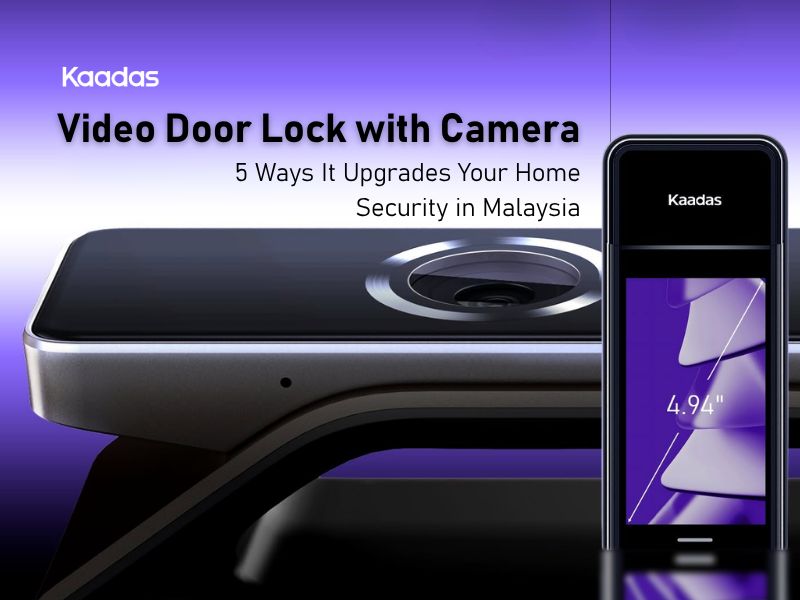
A video door lock does more than secure your door. It gives you a live view of your entrance, lets you communicate with visitors remotely, and sends alerts when movement is detected — all from your phone. For Malaysian homeowners who travel, manage deliveries, or simply want better visibility at the front door, here are the five ways it makes a practical difference.
5 Ways Video Door Lock with Camera Upgrades Your Home Security
1. See Who’s at the Door Without Being There
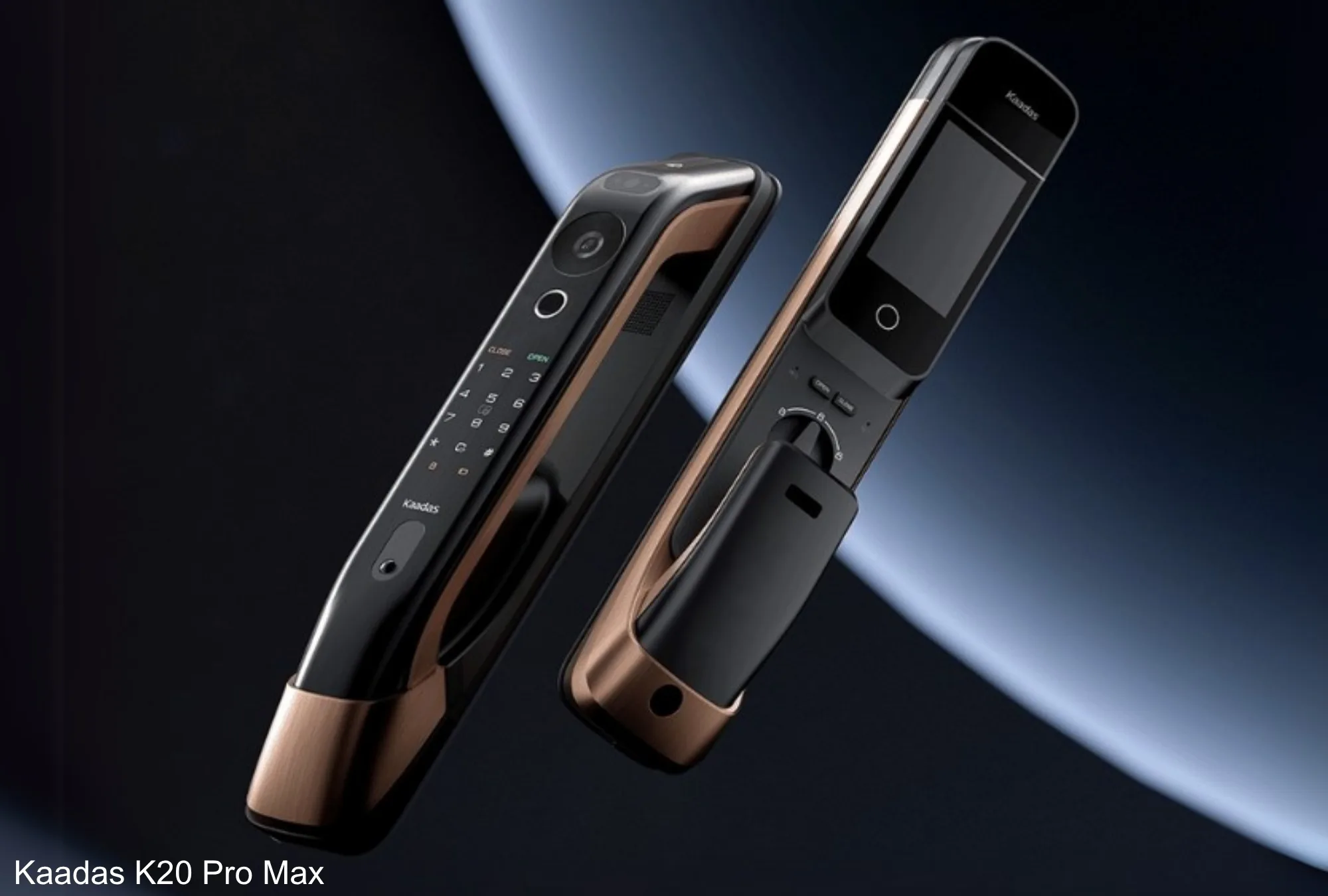
When someone approaches your entrance, the built-in camera captures the moment and sends a notification to your phone via the Kaadas app. You can check live footage — whether you are in your bedroom, at the office, or in another city — before deciding whether to grant entry remotely or leave the door locked. The Kaadas K20 Pro Max includes a 4-inch HD display screen with two-way intercom and live view accessible at any time, not just on motion trigger.
The K20 Pro Max is not the only option here. The K70SE widens the view to a 161° door viewer, while the Q9 covers 140°, so you can match the field of view to how your entrance is laid out. Each one streams to the Kaadas app and to its own display screen indoors.
2. Three-way/Two-Way Audio Communication
Video door locks support two-way audio: you can speak with whoever is at the door through the app without opening it. This allows you to instruct a delivery rider where to leave a parcel without moving from your desk or ending a call. This is particularly useful in landed properties where the entrance gate and main door are separate.
If you want to go beyond a simple two-way call, the K70SE steps up to three-way communication, connecting the visitor outside, family indoors on the display screen, and the Kaadas app at the same time. That means someone at home and someone out of the house can both speak to a courier through the one lock, without anyone opening the door.
3. Package and Delivery Management
Package theft from residential common areas is an increasing concern in Malaysia. A video door lock lets you monitor deliveries in real time. When the courier notification arrives, you can view live footage, issue specific instructions, and confirm the parcel is placed correctly.
For homeowners who frequently receive deliveries while away, the remote unlock feature allows you to open the door for a trusted courier and lock it again immediately via the app once they leave. This is a controlled way to receive deliveries without being physically present — no key handover required.
For households that practically live on deliveries, the P30 Pro Max is built for exactly this. It uses a dual-lens camera with a dedicated parcel view, a second angle aimed at the doorstep so you can see the package on the floor, not just the person in front of the lens. Pair that with remote unlock and you can guide a courier, watch the parcel go down, and re-lock, all from the app.
4. Motion Detection and Loitering Alerts
Beyond scheduled visitors, the motion detection feature sends an alert whenever someone approaches your door — even without ringing the bell. The Kaadas K20 Pro Max includes customisable loitering alert functionality with adjustable detection range and duration settings. For more on why visual access at the entrance matters, why digital door viewers matter covers the full case.
The K20 Pro Max loitering alert is also customisable: you can adjust the detection range and how long someone has to linger before it triggers, which helps cut false alarms from neighbours simply walking past. If your concern is the front gate rather than the door, the R9KFV is a gate lock with its own face recognition and a 150° camera, bringing the same monitoring to the boundary of a landed property.
5. Access Logs and Remote Unlock
Every entry attempt is logged with a timestamp and access method. You can view who accessed your home and when, directly from the app, at any time. For households with domestic helpers or regular visitors, this provides quiet accountability without needing to be physically present.
The remote unlock is the most practical feature for property owners. Whether you need to let in a plumber, a family member without a key, or a short-term rental guest, you can grant and revoke access from anywhere with a data connection. For property investors managing multiple units, the smart security for rentals guide explains how to set this up across properties efficiently.
One Thing to Check: WiFi vs Bluetooth
Not every smart lock is built for remote viewing. The video models that send live footage and alerts to your phone, like the K20 Pro Max, K70SE, P30 Pro Max and Q9, have WiFi built in with no separate bridge to buy. Some other Kaadas locks connect by Bluetooth only, which is fine for unlocking at the door but will not stream video across the city. If remote access is the whole point for you, confirm the model you choose is one of the WiFi, camera-equipped ones.
Get your video door lock that is WiFi-enabled for the full connected experience.